
Fasty Vendor · Documentation
How to sell with Fasty Vendor
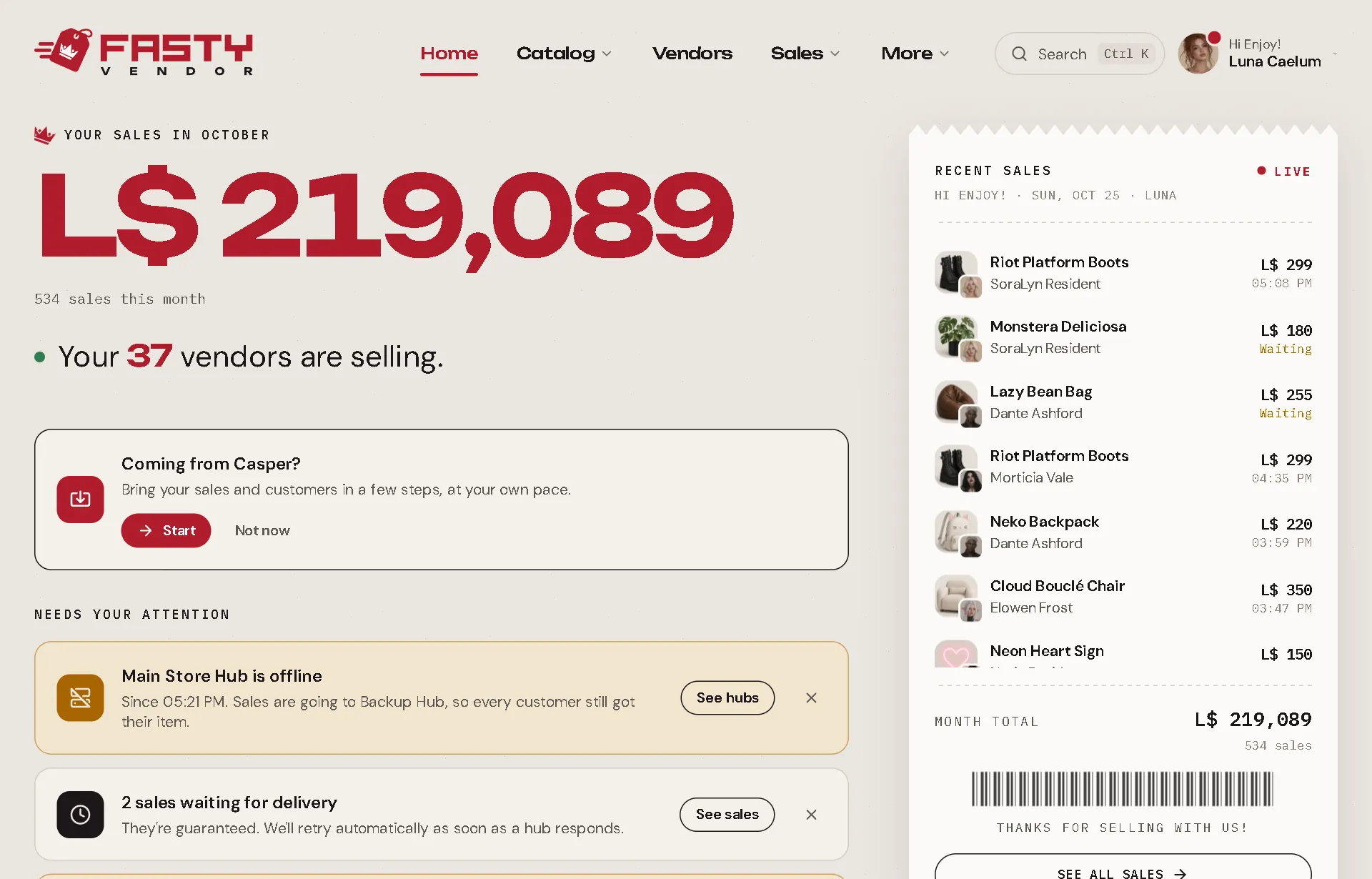
Fasty is a vendor and delivery system for Second Life. Your items sit in a hub, your vendors take the payments, and a panel in your browser shows every sale, customer and vendor as it happens.
Basic is free, with no commission. These pages explain every part of it, one task at a time.
Find what you need
Set up your store
- Quickstarthub, vendor and first sale in about 10 minutes
- The Script Kitevery script and where it goes
- Hubs
- Products
- Vendors
- Your Team
Sell and deliver
- Salesfind any sale and read its whole story
- Redelivery Terminal
- Receipts
- Marketplace
- Customers
- Profit Sharing
Bring buyers back
- Discountstimed sales for the whole store
- SL Group Discount
- Gift Cards
- Coupons
- Loyalty Points
- Giveaways
Gacha
- Gacha overviewmachines with real odds
- Collections
- Setting up a machine
- Provably fair
Moving to Fasty
- Coming from CasperVendsales file, prices and gift cards
- Coming from Allomancyone read-only key
- Basic vs Pro
For developers
- The Fasty APIyour own scripts, games and sites
- Vendor Events
- LSL
- Recipes
What happens to a sale
Fasty is built so a paid sale always reaches the customer, even when a server, a region or a hub fails.
- 1A customer pays a vendorThe vendor gives the sale its own ID on the spot and sends it to Fasty, which tells your hub to deliver.
- 2Fasty is offlineThe vendor talks to a hub directly. The hub delivers and Fasty records the sale when it is back.
- 3No hub answersThe sale waits and is tried again on its own until it is delivered. It is never dropped.
- 4An item gets lost laterThe customer opens their receipt link, or touches your Redelivery Terminal, and gets it again.
Plans
Basic is free forever: unlimited vendors, products and sales, with no commission. Fasty Pro adds gift cards, coupons, points, giveaways, gacha, a team and the API for L$ 4,999 a year. Compare them.
Stuck?
Start at Troubleshooting, or look in the FAQ and the Glossary.