Color Picker PRO
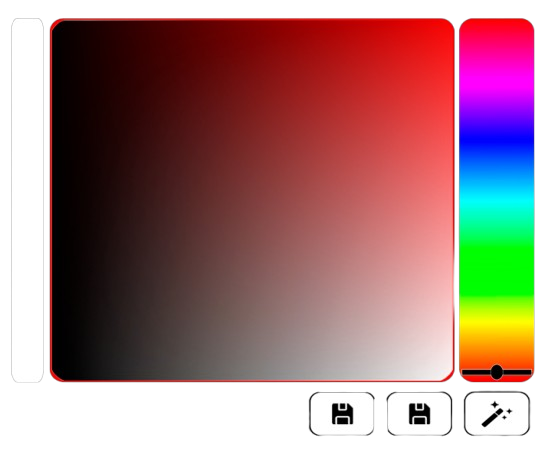
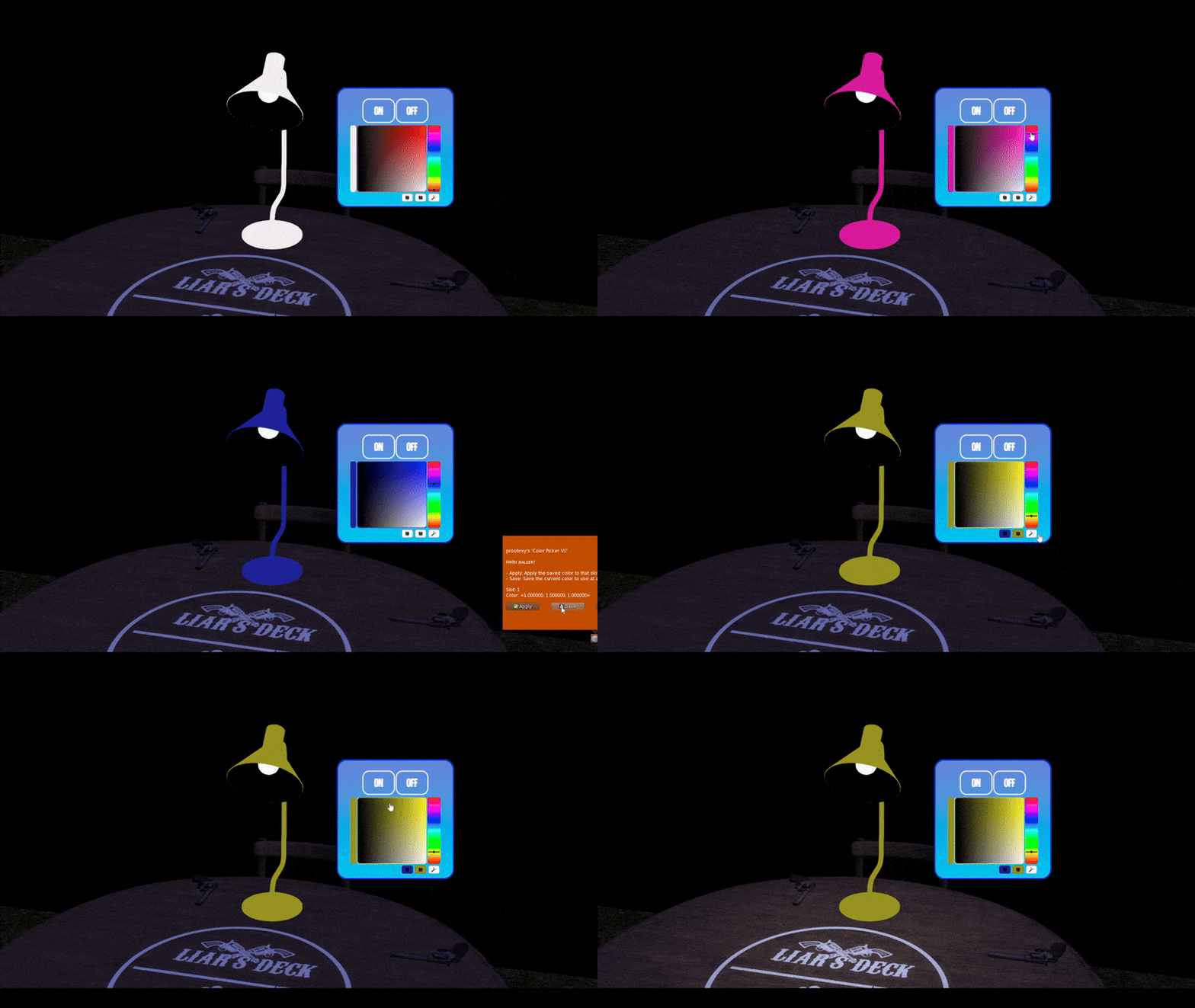
The Color Picker is a ready-made palette object you link to your HUD. Customers click around it to tint any part of a target with any color, type a HEX code for an exact match, and save two favorites.
What it does
- Applies thousands of colors in real time to the faces you choose on one or more targets.
- Works on Blinn-Phong and PBR at the same time.
- Accepts HEX codes (
#FF8000) for precise colors. - Has two save slots for the customer's favorite colors.
- A HUD can hold several pickers, each controlling different parts.
- One picker can control multiple targets (since version 1.2.0).
How it is built
The picker is an object called Color Picker V* in your 1Click Maker folder. Inside it is the script [add-on] - Color Picker - 1Click, and its description reads type:color_picker; that is how the panel recognizes it during a scan. You link the picker to your HUD like any other button prim, and the panel shows it with a palette icon.
Requirements
- PRO account.
- The Color Picker object linked to the HUD (Prim Mode).
- Targets scanned in the panel.
Next
Creating a Color Picker walks through linking and configuring one.