Prim Mode
Prim Mode is the default way to build a HUD: you link prims, name them, and each prim becomes a button. It is what the Quickstart uses.
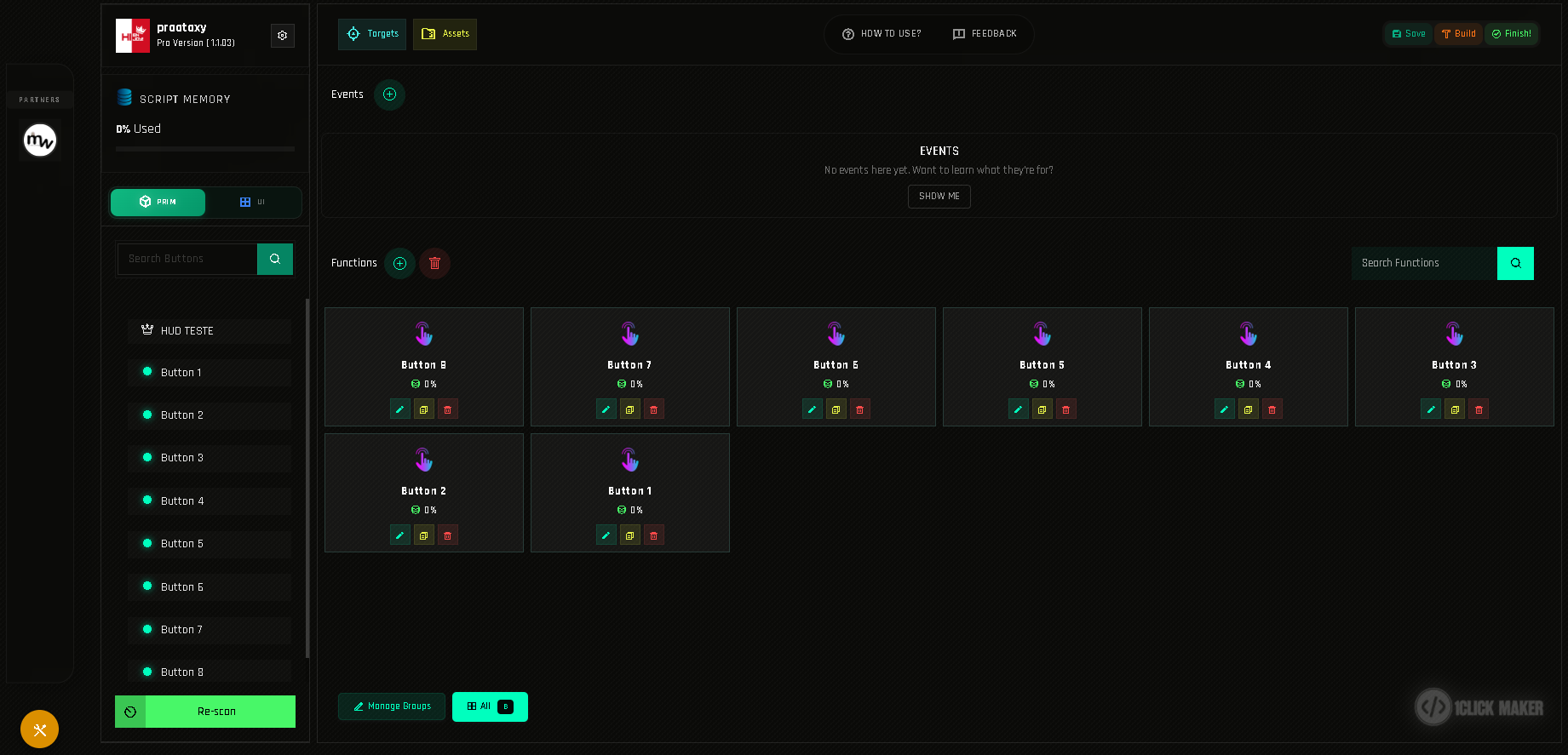
How it works
- Build the HUD out of prims in Second Life: one prim per button, linked to a root prim.
- Name each button prim.
- Re-scan in the panel; the prims appear in the left column.
- Click a prim's name to create its function and add actions.
Everything in Buttons and Functions applies.
When to choose Prim Mode
- Your HUD design is made of separate mesh or prim buttons anyway.
- You want physical buttons with different shapes, hover glow or per-button textures.
- The HUD has a handful of buttons.
- You also need events; events are managed in Prim Mode.
When to consider UI Mode instead
- Your HUD is a single textured panel with dozens or hundreds of clickable areas.
- You do not want to link and name prims one by one.
- You want to move buttons around by dragging, with alignment guides.
See UI Mode. Both modes can be used in the same project: physical prim buttons plus drawn areas on the root prim's texture.
Switching modes
Click PRIM or UI below the memory bar. Switching does not delete anything; each mode shows its own kind of buttons.